Channel-aware context
Every answer is informed by your latest channel analysis. Ask 'what hook should I try?' and the AI already knows your niche + style.
Not ChatGPT. Not a generic coach. An AI that has already read your profile + last 20 videos and gives you advice specific to your channel.
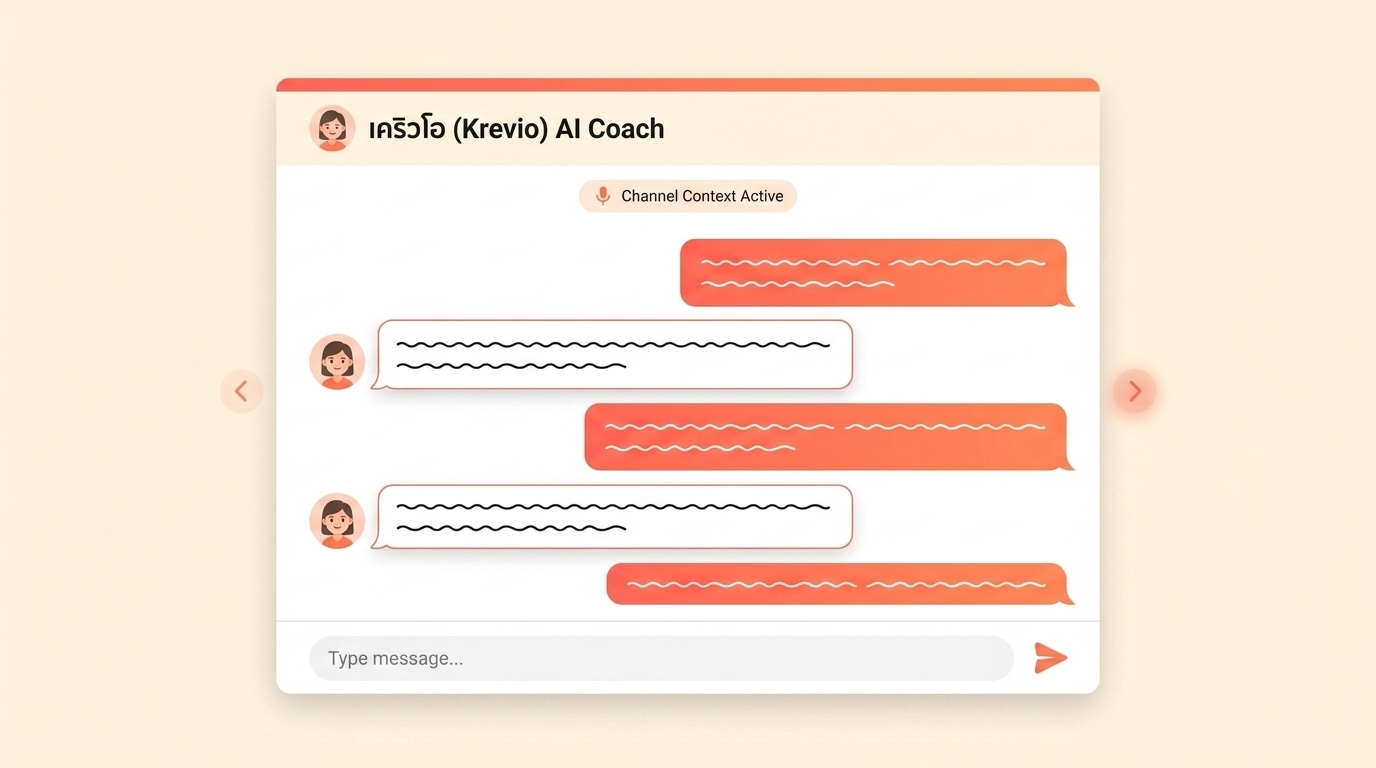
Every answer is informed by your latest channel analysis. Ask 'what hook should I try?' and the AI already knows your niche + style.
Tuned on Thai TikTok Shop context — slang, shopping behavior, live stream patterns. Not a translated-from-English coach.
No 'here are 10 things to consider' fluff. Every response tells you what to do next and why, in your voice.
Continue the conversation across days. AI remembers what you tried, what worked, and where you left off.
Pre-built Thai creator prompts you can one-tap — hook brainstorm, pricing check, live script prep.
Typical first token under 2 seconds. Full answer under 5. Built for mid-shoot questions.
Chat activates once your first channel analysis completes.
Free-form Thai or English. The AI picks it up from your message.
All chats are saved. Pick up the same conversation next week.
You can already ask ChatGPT 'how do I grow on TikTok Shop'. The answer will be generic, because ChatGPT doesn't know your niche, your audience, or what you tried last week.
Krevio's AI Chat injects your latest channel analysis into every conversation as system context. So when you ask 'should I pivot to skincare?', the AI knows you're currently in tech-gadgets with a 22-30 female audience — and answers accordingly.
We also fine-tune response style for Thai creators. Not just language — the actual advice format. Thai creators expect concrete hook examples, ready-to-say phrases, and direct feedback, not Western-style 'here are some considerations'.
Chat quota resets daily: 20 messages on Free, scaling up to 2,000 on Studio. Most creators use 5–15 per active day.